
The tools that actually
move the needle for creators.

MaraCompass helps content creators and small online businesses find simple tools and clear guides for building an online presence. Two tools do most of the heavy lifting: Hostinger for fast hosting and invideo.ai for turning articles into video.

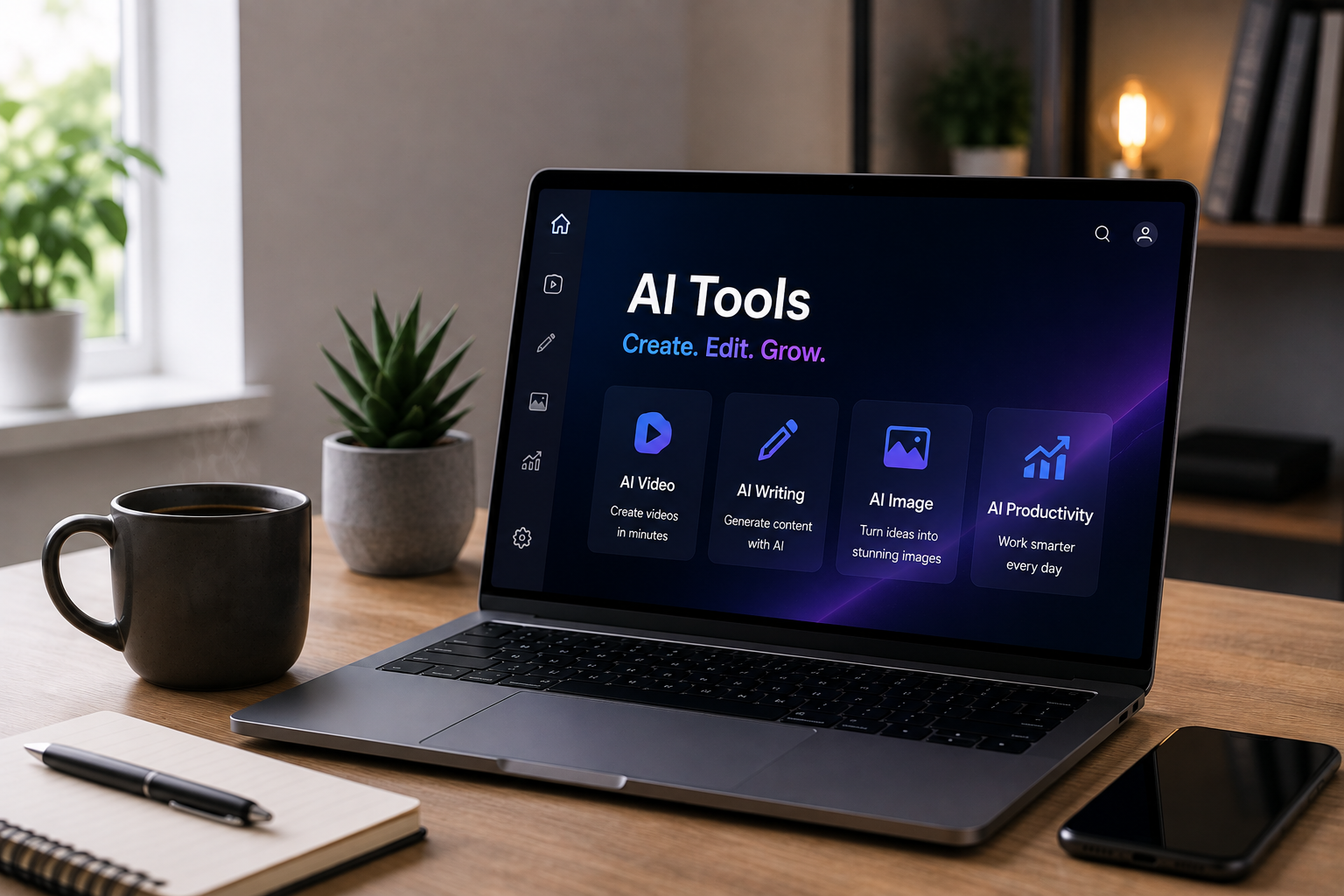
Creator workspace with a laptop showing a website builder

What we look for

We review tools based on practical factors that matter to creators and small online businesses, including ease of use, features, performance, pricing, support and long-term value.

Ease of use

Can a non-developer set it up and get value on day one?

Features

Does it cover the core workflow without bloat you pay for and never use?

Performance

Is it fast and reliable enough to depend on for daily work?

Pricing

Is the price honest, including renewals, with a usable free or entry tier?

Customer support

When something breaks, can you reach a human quickly?

Long-term value

Will it still earn its place in your stack a year from now?

How we review tools

We use the tools ourselves, test the core workflows, check pricing and renewals, and document what works and what doesn't. Affiliate relationships do not determine our recommendations.

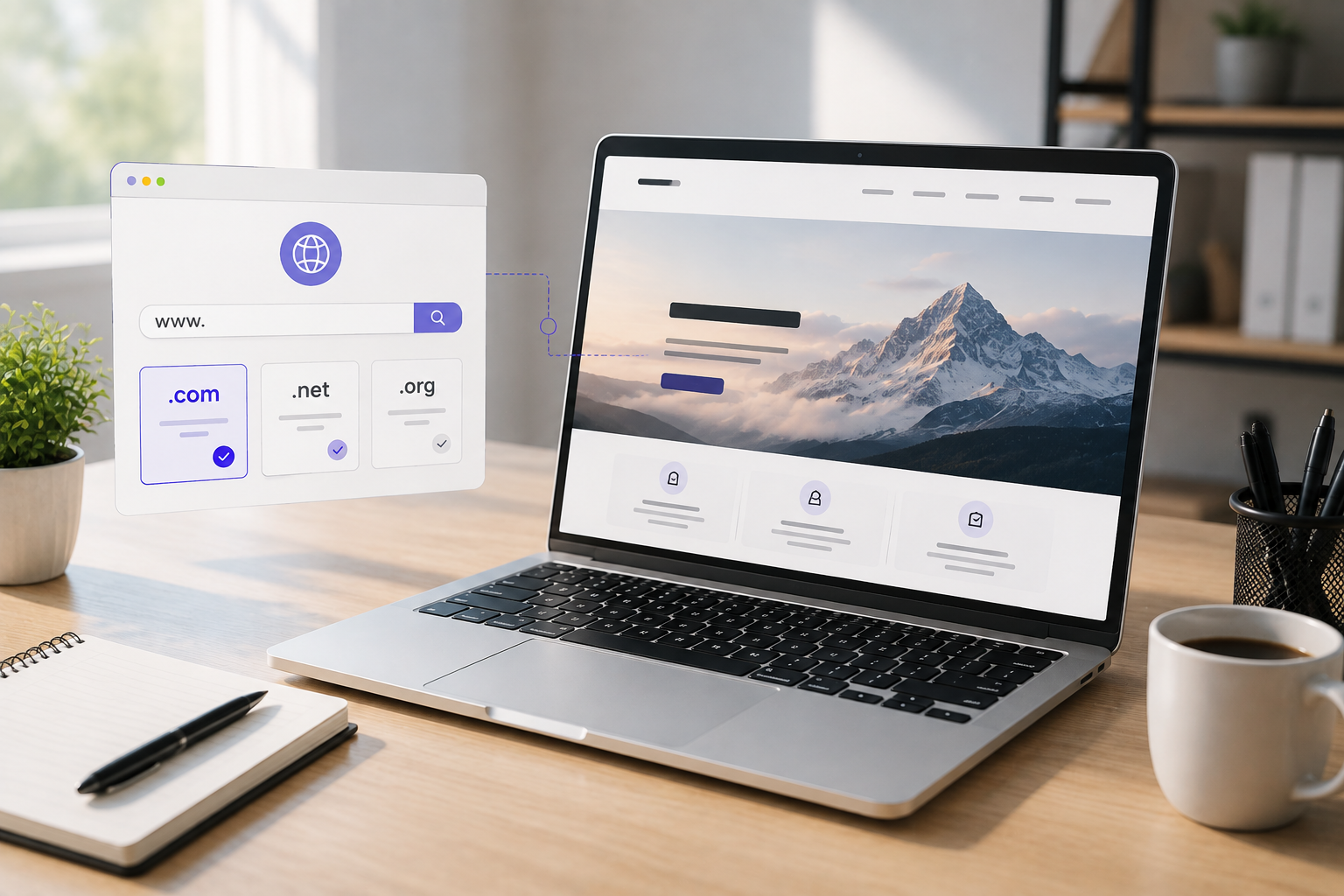
Hostinger review illustration
Recommended hosting
Web hosting · from $2.99/mo

Hostinger

Fast managed hosting that does not punish you at renewal.

Hostinger pairs LiteSpeed-powered managed hosting with hPanel, a control panel that stays out of your way. Free site migrations, a free domain, SSL and email on annual plans, and one-click staging make it a practical pick for creators who want speed without managing a server themselves.

  • LiteSpeed + object cache keeps WordPress genuinely fast
  • Free domain, SSL and email on annual plans
  • One-click staging and free site migration
  • 24/7 chat support that answers in minutes
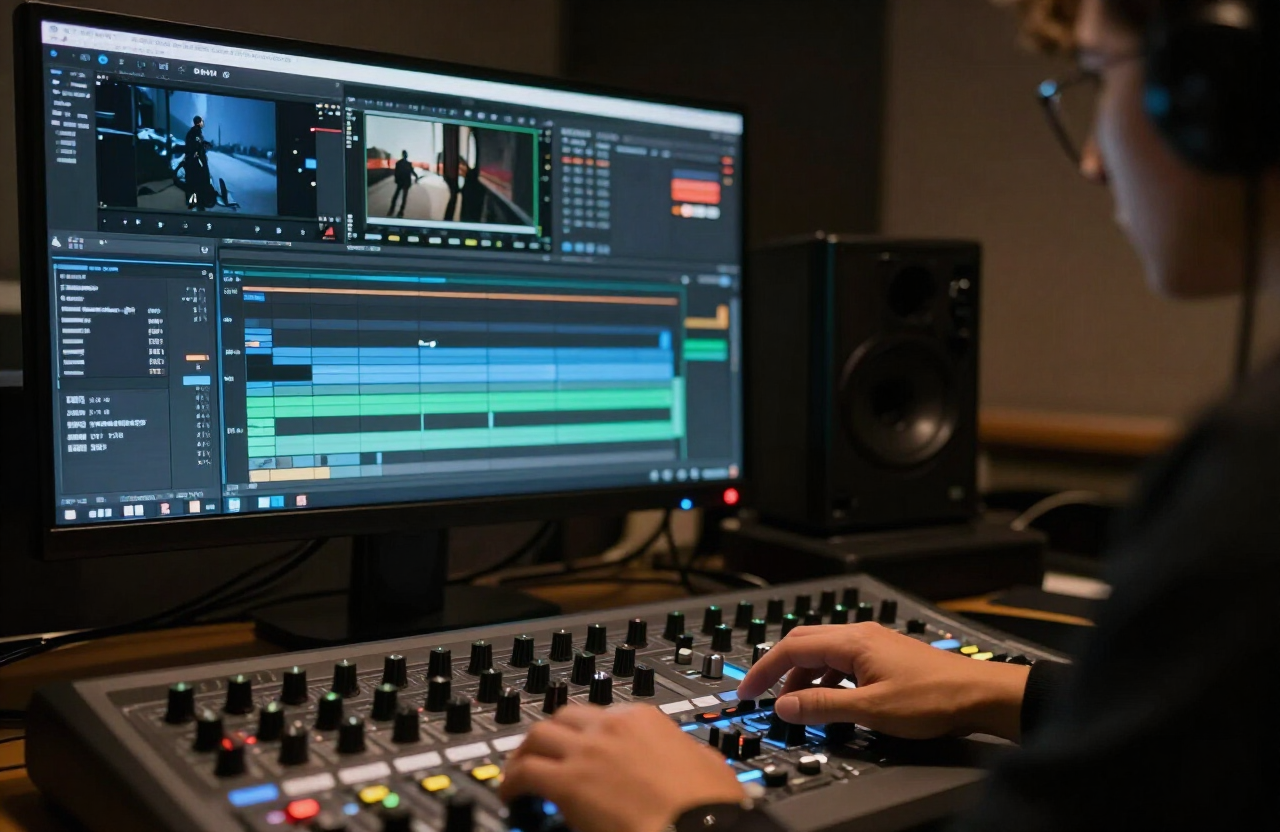
invideo.ai review illustration
Recommended AI video tool
AI video · from Free plan

invideo.ai

Turn a prompt or a blog post into a publish-ready video.

Type an idea and invideo.ai writes the script, picks stock footage, generates the voiceover and cuts it to rhythm. You edit by typing instructions instead of dragging clips, and multilingual AI voices cover a wide range of languages. A free tier lets you try the workflow before paying.

  • Prompt to full video with script, footage and voiceover
  • Edit by typing instructions instead of dragging clips
  • Multilingual AI voices that do not sound robotic
  • Vertical and horizontal exports in one project
Website builder

Build a real website with Hostinger Horizons

Describe what you want in plain English and Horizons can generate the pages, copy, layout and styling for you. Edit the result by chatting with the builder, then publish it on Hostinger.

From idea to live site in minutes — included with Hostinger hosting.

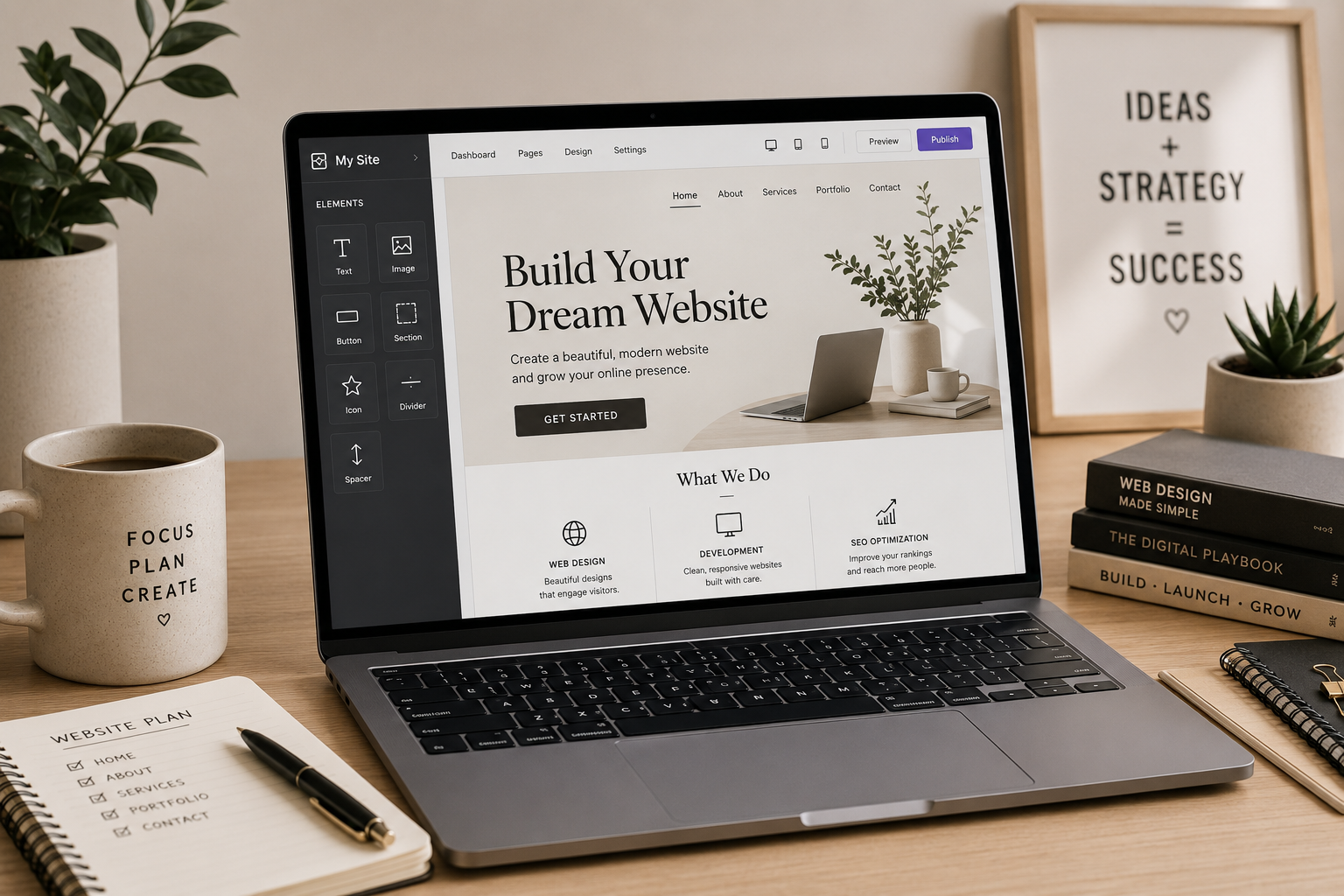
Hostinger Horizons website builder dashboard with drag and drop elements

Prompt to website

Type a description and Horizons writes the copy, builds the pages and styles it for you.

Ship in minutes

Publish on Hostinger's LiteSpeed hosting with a free domain and SSL — no separate setup.

Edit by chatting

Refine sections, swap colours or add pages by telling Horizons what to change in plain language.

Made for creators

Portfolios, landing pages and affiliate blogs that look designed, not generated-by-default.

Tools we recommend

The tools we currently suggest, side by side. See the full review for each one.

ToolCategoryFrom
Hostinger

Bloggers, newsletter writers and small shops who want speed without a sysadmin.

Web hosting$2.99/moRead review
invideo.ai

Creators repurposing written content into YouTube, TikTok and Reels.

AI videoFree planRead review
Hostinger Horizons

Creators and small businesses who want a real website without coding.

Website builderIncluded with HostingerSee how it works

Latest from the blog

All articles
Hostinger AI Builder Review (2026): Manual Mode vs. Agentic Mode

Hosting · 8 min read

Hostinger AI Builder Review (2026): Manual Mode vs. Agentic Mode

Hostinger Horizons ships two ways to build a site: a manual drag-and-drop editor and an agentic chat-driven builder. Here is a practical, side-by-side comparison of what each mode does, where each one is stronger, and which to reach for.

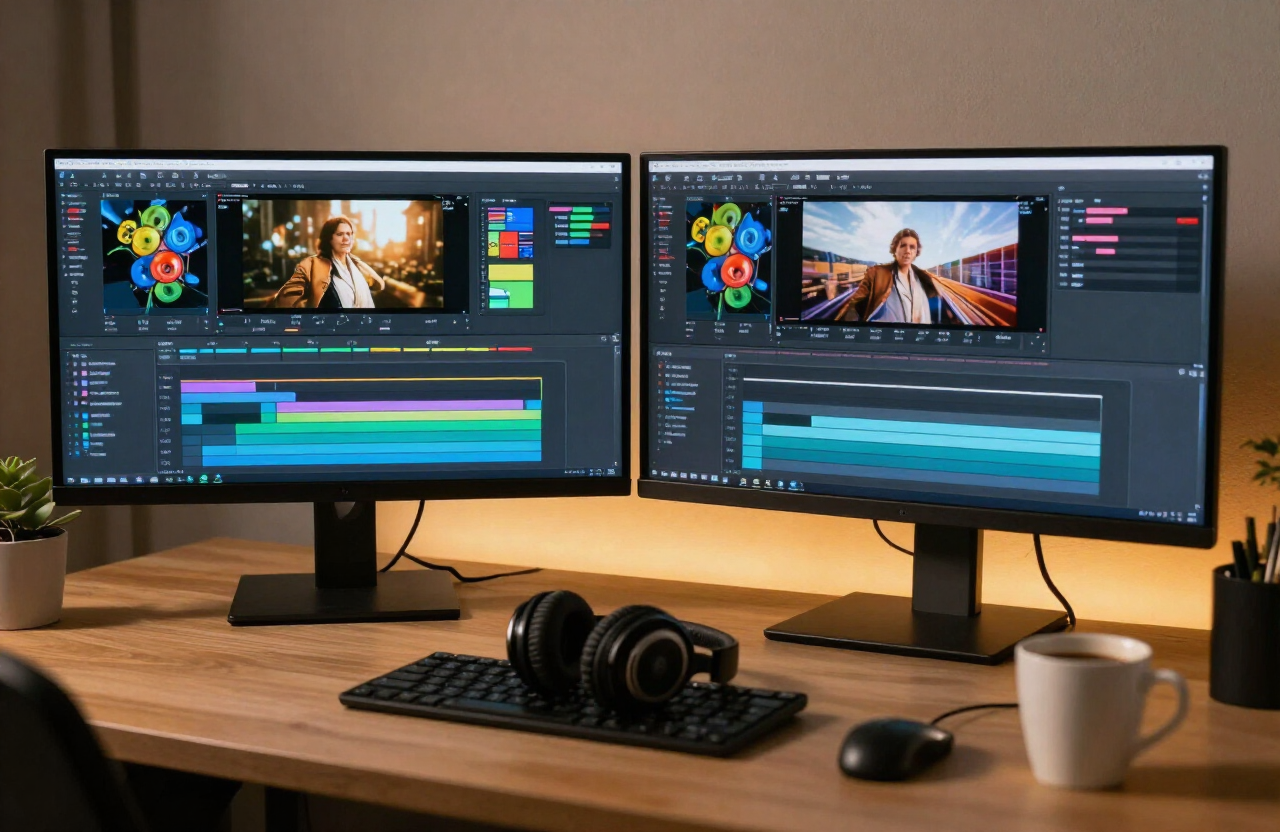
Two decisions, one afternoon: fast hosting and a video engine.

Set up your site on Hostinger, then turn your first article into a video with invideo.ai. That is the whole starter stack — everything else can wait.